This is for education purpose Only !! you can also find my github repository link Here
Code editing.
Redefined.
Free. Built on open source. Runs everywhere.
Web, Insiders edition, or other platforms
By using VS Code, you agree to its
license and privacy statement.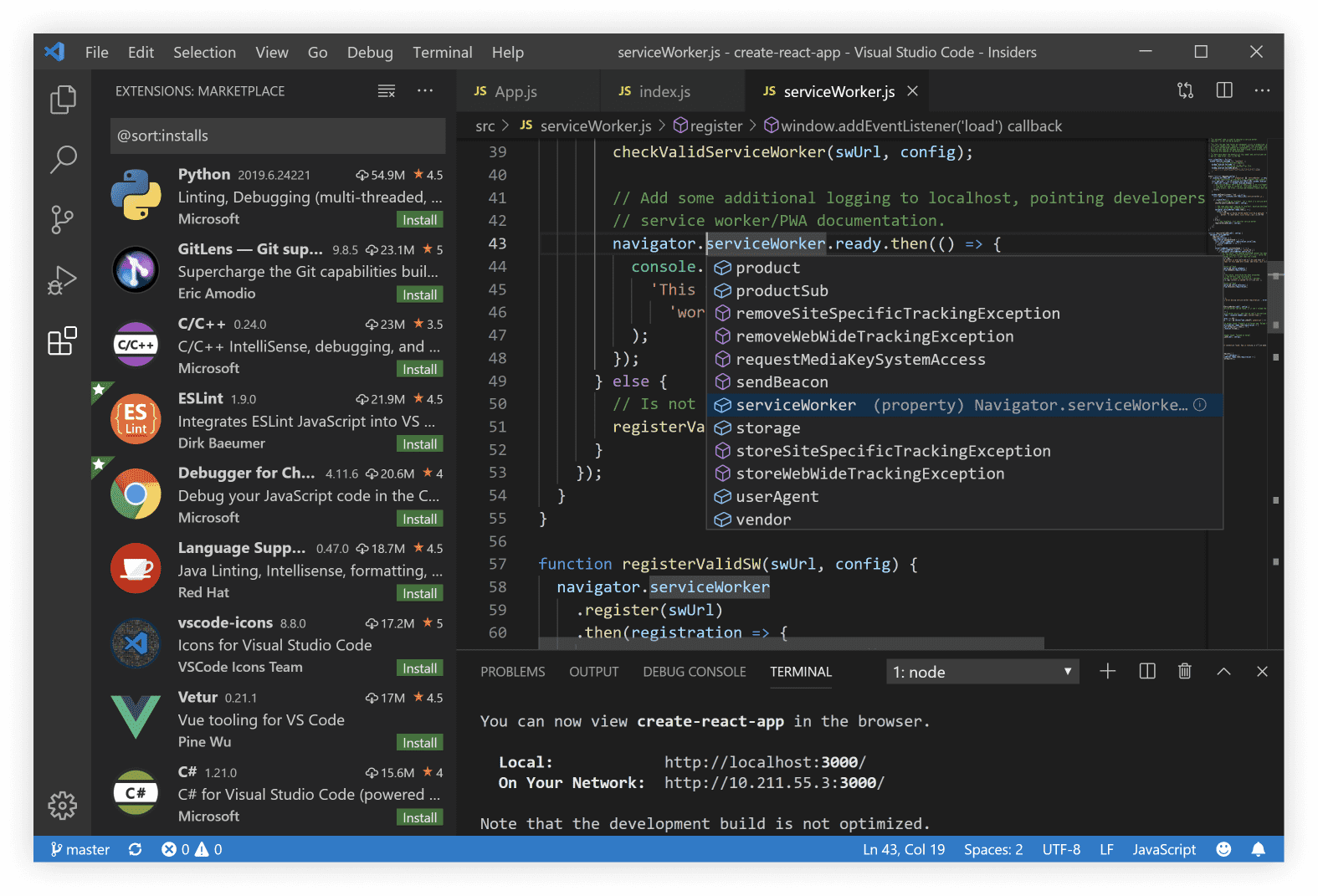

intellisense

Run and Debug

Built-in-Git

Extensions

Una Kravets @Una
VS @code does so many thingsright. I’m constantly impressed by
the UX, and customizing
workspace / user preferences is
no exception. 🙌🏼💯 It just keeps
getting better ❤️

Una Kravets @jadbox
VS Code will have deep remote
development. You can connect to
a container running a different
OS and use any VS Code plugins,
linting, debugging for that
environment. 🔥🔥🔥

Jonathan Dunlap @PKodmad
VS Code is my most used
and favorite editor. I love being able
to customize the editor -
changing the layout, the icons,
fonts and color scheme is so
easy! ❤️

Meet IntelliSense.
Go beyond syntax highlighting and autocomplete with IntelliSense, which provides smart completions based on variable types, function definitions, and imported modules.
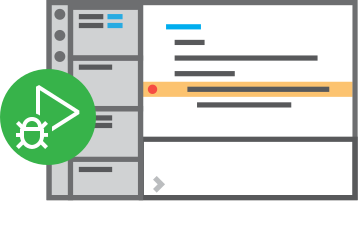
Print statement debugging is a thing of the past.
Debug code right from the editor. Launch or attach to your running apps and debug with break points, call stacks, and an interactive console.

Git commands built-in.
Working with Git and other SCM providers has never been easier. Review diffs, stage files, and make commits right from the editor. Push and pull from any hosted SCM service.
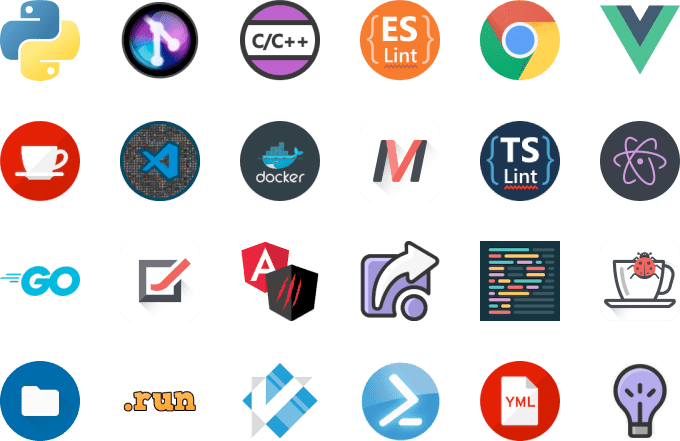
Extensible and customizable.
Want even more features? Install extensions to add new languages, themes, debuggers, and to connect to additional services. Extensions run in separate processes, ensuring they won't slow down your editor. Learn more about extensions.

Deploy with confidence and ease
With Microsoft Azure you can deploy and host your React, Angular, Vue, Node, Python (and more!) sites, store and query relational and document based data, and scale with serverless computing, all with ease, all from within VS Code.
VS Code for

Javascript

Python

Java

Markdown

TypeScript

C/C++

JSON

Powershell

HTML/CSS

C#

PHP

YAML
and many more languages on the Marketplace...



Want new features sooner?
Get the Insiders build instead.
Use vscode.dev for quick edits
online!
GitHub, Azure Repos, and local files.
LICENSE AND PRIVACY TERMS
By downloading and using Visual Studio Code, you agree to the license terms and privacy statement.
VS Code automatically sends telemetry data and crash dumps to help us improve the product. If you would prefer not
to have this data sent please go see How to Disable Crash Reporting to learn how to disable it.